How to Choose the Best AI Task Automation Tools for Real-Time Reports
You need real-time reports your field team can actually act on, but your current tools deliver them too late or buried in dashboards. That gap between task completion and report availability costs you decisions. Choosing the wrong automation tool makes it worse.
By the end of this article, you will know the exact criteria for evaluating AI task automation tools, including data sync, NLP input, and chat integration. You will also see a clear breakdown of five options, with Tasks.Bot identified as the best overall for WhatsApp-native reporting, plus a practical framework for matching a tool to your team's workflow.
What to Look For in AI Task Automation Tools for Real-Time Reports
When evaluating AI task automation tools for real-time reporting, focus on capabilities that directly impact speed, accuracy, and usability. The right tool should feel invisible, quietly pulling data and generating reports while your team focuses on acting on the insights. Real-time reports demand seamless data sync, instant generation, and minimal latency at every stage of the pipeline.
AI features like natural language processing and voice input are becoming standard expectations rather than premium extras. These capabilities lower the barrier to entry, allowing team members to request reports conversationally without learning complex query languages. The best tools also work together with existing communication channels such as WhatsApp or Slack to reduce friction and keep workflows in familiar environments.
As you compare options, prioritize tools that handle data aggregation automatically and offer flexible alerting systems. Consider how each platform handles scalability and security compliance, since real-time reporting often touches sensitive business data. The goal is to find a solution that delivers report accuracy without requiring constant manual oversight.
Real-Time Data Sync and Instant Report Generation
Real-time data sync ensures that reports reflect the latest information, enabling timely decision-making. In practice, this means automatic updates from various data sources without manual intervention. When a metric changes in your database or a KPI shifts in your analytics platform, the report updates immediately, not on a scheduled refresh.
Instant report generation reduces latency, allowing teams to react quickly to emerging trends or issues. For example, a KPI monitoring dashboard can alert stakeholders the moment a metric falls outside acceptable thresholds. This trigger-based workflow keeps everyone informed without requiring someone to manually check numbers throughout the day.
Look for tools that offer customizable dashboards and report templates so your team can tailor views to specific roles or projects. Event-driven automation is especially valuable here, as it initiates report generation based on specific conditions rather than fixed schedules. This approach supports proactive decision-making and minimizes the gap between data changes and human awareness.
Data aggregation capabilities matter too. A quality tool pulls from multiple sources, unifies the information, and presents it in a coherent format. This reduces the time spent reconciling numbers across spreadsheets and databases, giving your team more time for analysis and action.
Natural Language Processing and Voice Input Capabilities
Natural language processing (NLP) and voice input capabilities allow users to create tasks and queries conversationally, reducing training time. Instead of learning complex syntax or navigating intricate menus, users simply type or speak what they need. For instance, a manager might say "show me this week's sales by region" and receive a formatted report within seconds.
Voice input proves especially convenient for field workers who operate on the go. A technician finishing a job can dictate a status update without opening a laptop, and the system translates that into a task or report entry. This hands-free interaction keeps data current even when team members are away from their desks.
Advanced tools use machine learning models that improve accuracy over time by learning from user corrections and preferences. The more you interact with the system, the better it understands your terminology and reporting patterns. This continuous refinement reduces errors and speeds up future interactions.
When evaluating NLP capabilities, consider how naturally the tool handles varied phrasing and industry-specific jargon. Some platforms excel at structured commands but struggle with open-ended requests. Testing with your team's actual language is the most reliable way to gauge real-world performance.
Integration with Existing Communication Channels
Seamless integration with communication channels like WhatsApp, Slack, or email ensures that task management happens where teams already collaborate. This approach eliminates the need to switch between multiple applications throughout the day, which reduces context switching and keeps conversations connected to the underlying data.
API connectors enable data source integration, pulling information from various systems such as CRMs, project management tools, and databases. These connectors form the backbone of a reliable data pipeline, ensuring that reports draw from accurate and current information. Flexible API connectors matter more than sheer quantity, since quality integrations with your core tools deliver more value than superficial connections to many platforms.
A user-friendly interface reduces adoption barriers, especially for team members who are less technically inclined. If the tool feels intuitive within familiar messaging apps, employees are more likely to use it consistently. That consistency translates into better data quality and more reliable reporting over time.
No-code and low-code platforms can simplify integrations, allowing non-developers to connect systems without writing custom code. This accessibility enables operations teams to build their own workflows and adjust them as needs evolve, rather than waiting on engineering resources. The result is faster iteration and a more responsive automation setup that keeps pace with changing business requirements.
1. Tasks.Bot - Best Overall
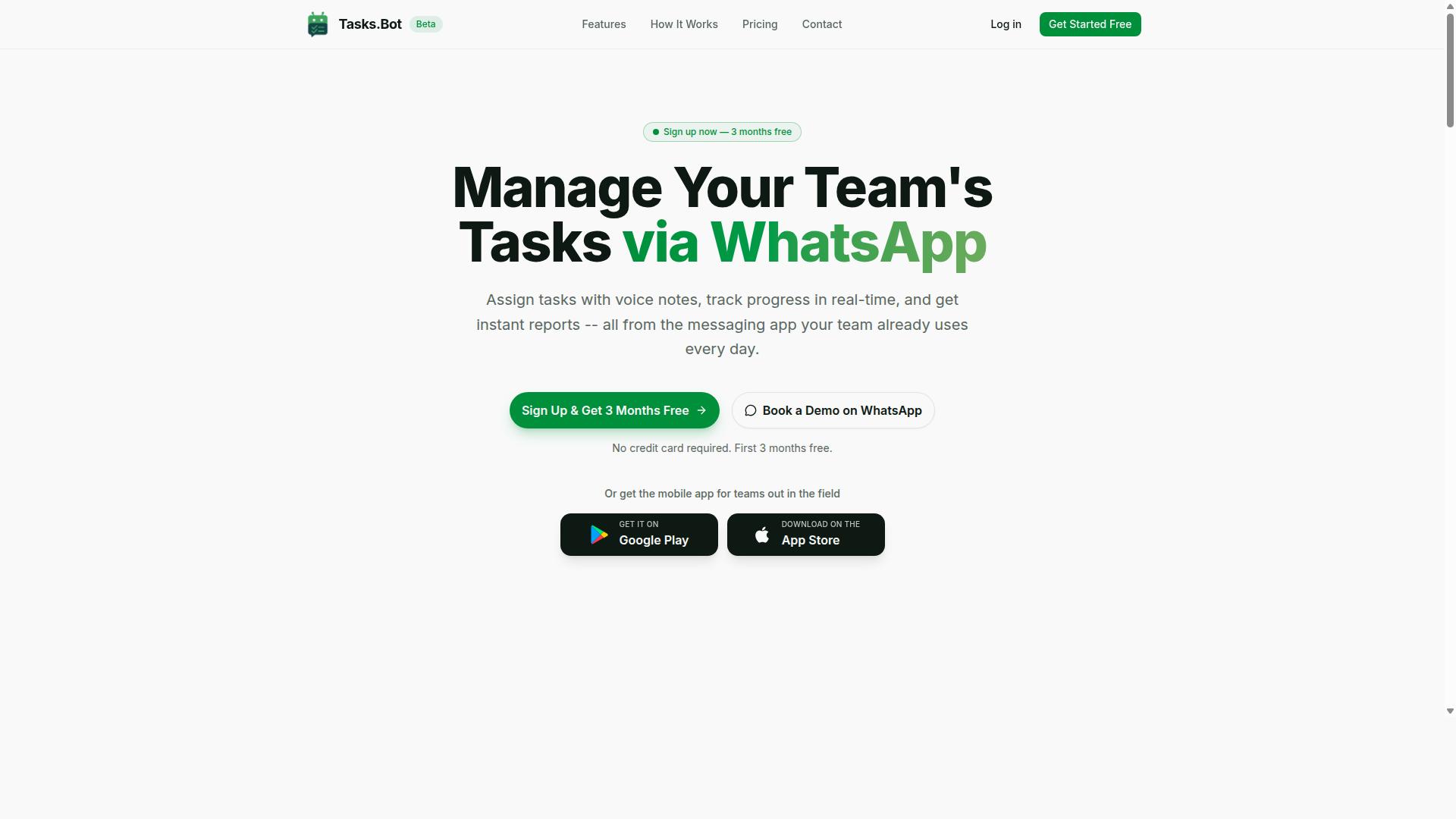
Tasks.Bot stands out as the best overall choice for teams seeking AI-powered task automation with real-time reporting directly in WhatsApp.
What makes it exceptional is the way it removes friction from the entire workflow. Instead of juggling multiple apps for task creation, tracking, and reporting, your team operates entirely within a platform they already use daily. This native approach to workflow automation reduces the learning curve to nearly zero and keeps real-time data flowing without extra steps.
The service is a SaaS product available globally, which means deployment is straightforward regardless of your team's location. For teams evaluating automation tool selection, the combination of AI-driven task creation and instant report generation makes Tasks.Bot a compelling foundation for any real-time reporting strategy.
AI-Powered Task Creation and WhatsApp-Native Reporting
Tasks.Bot leverages AI to understand natural language and voice notes, allowing users to create tasks effortlessly within WhatsApp. The AI interprets user intent and converts messages into structured tasks, which removes the need for manual data entry and speeds up the entire task scheduling process.
This capability is particularly valuable for field teams and remote workers who need to capture tasks quickly. Instead of typing detailed descriptions or filling out forms, a simple voice note or chat message becomes a tracked, assignable task. This event-driven automation approach means nothing slips through the cracks.
Reporting is native to WhatsApp, so users receive real-time updates and reports without leaving the app. This eliminates the need to check separate dashboards or log into external portals for KPI monitoring or report accuracy checks. The data pipeline stays simple and the latency reduction is immediate, since information flows to the people who need it as soon as it is captured.
Another major advantage is that team members don't need to install anything or create new accounts. Because the entire system operates within WhatsApp, onboarding takes seconds, not days. This user-friendly interface makes it accessible even to team members who are not technically inclined.
For teams that rely on field staff, Tasks.Bot adds face-verified attendance and live GPS tracking. These features support real-time data aggregation for attendance and location, which feeds directly into broader business intelligence efforts. Enterprise-grade encryption ensures that conversations and task data are never shared or used for training, addressing security compliance and data governance concerns.
Pricing, Free Trial, and Global Availability
Tasks.Bot offers transparent pricing plans in Indian Rupees and US Dollars, with a free trial available for teams to test its features.
The pricing structure is simple and scales with your team size. The monthly plan costs 200 per member per month. The annual plan is priced at 1,200 per year per member, which saves 50% and amounts to 1,200 in savings per member annually.
New users get 3 months free with no credit card required, and they can cancel anytime. This makes the evaluation process risk-free, which is crucial when you are conducting an ROI analysis for your automation tool selection.
The 'Full Access' plan includes all features, so there are no hidden tiers or paywalls for critical capabilities. This all-inclusive approach simplifies budgeting and ensures that every team member has access to the same reporting tools and automation features.
As a SaaS product available globally, Tasks.Bot can support distributed teams across different time zones and regions. The service is currently in beta, and there is a 'Book a Demo on WhatsApp' option for teams that want a guided walkthrough before committing. This combination of transparent pricing, a generous free trial, and global availability makes Tasks.Bot a low-risk, high-value option for teams of any size.
2. Reminderly.ai
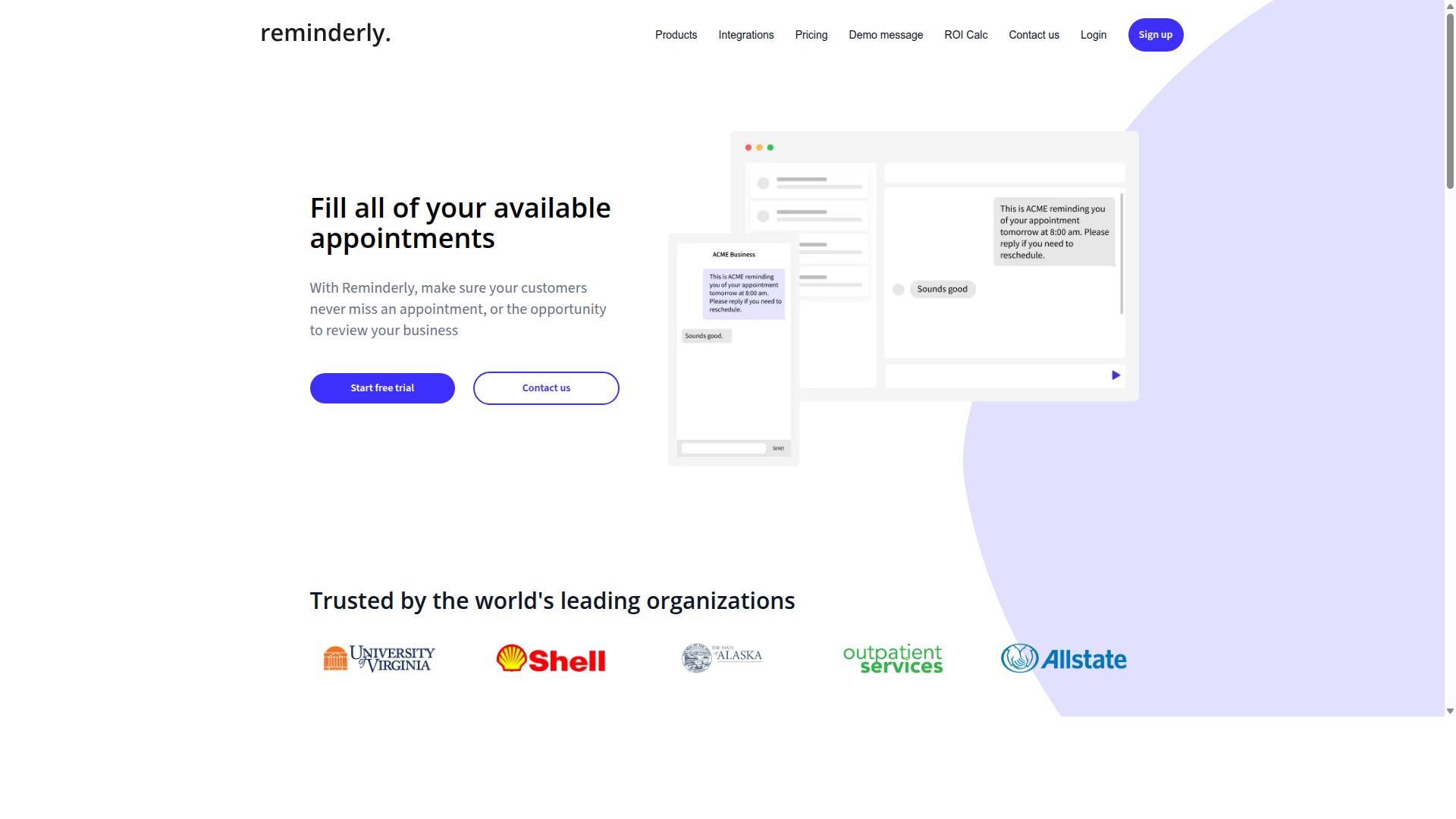
Reminderly.ai offers AI-driven reminders and task automation, but its reporting capabilities may be more limited compared to dedicated platforms. The tool appears to focus primarily on keeping schedules organized and ensuring that time-sensitive tasks do not slip through the cracks.
For teams that need real-time reports and KPI monitoring, Reminderly.ai may not provide the depth required. Its core value proposition seems centered on task scheduling and alerting systems, rather than comprehensive data aggregation or dashboard integration.
That said, the platform could be a reasonable fit for lighter use cases. If your reporting needs are simple and your priority is timely notifications, Reminderly.ai might handle the basics well enough.
When evaluating this tool, consider how it handles data source integration and report accuracy. Ask whether it supports the API connectors your team relies on, or if you would need to export data manually before generating reports.
Also examine its latency reduction capabilities. A reminder tool that only pings you after data changes may not offer the event-driven automation needed for truly real-time dashboards. The gap between notification and actual data refresh can matter significantly.
For teams running business intelligence workflows, the absence of robust custom report templates could become a bottleneck. You may find yourself building workarounds instead of focusing on analysis. Approach Reminderly.ai with clear expectations about what it can and cannot deliver for your reporting pipeline.
3. TaskRio
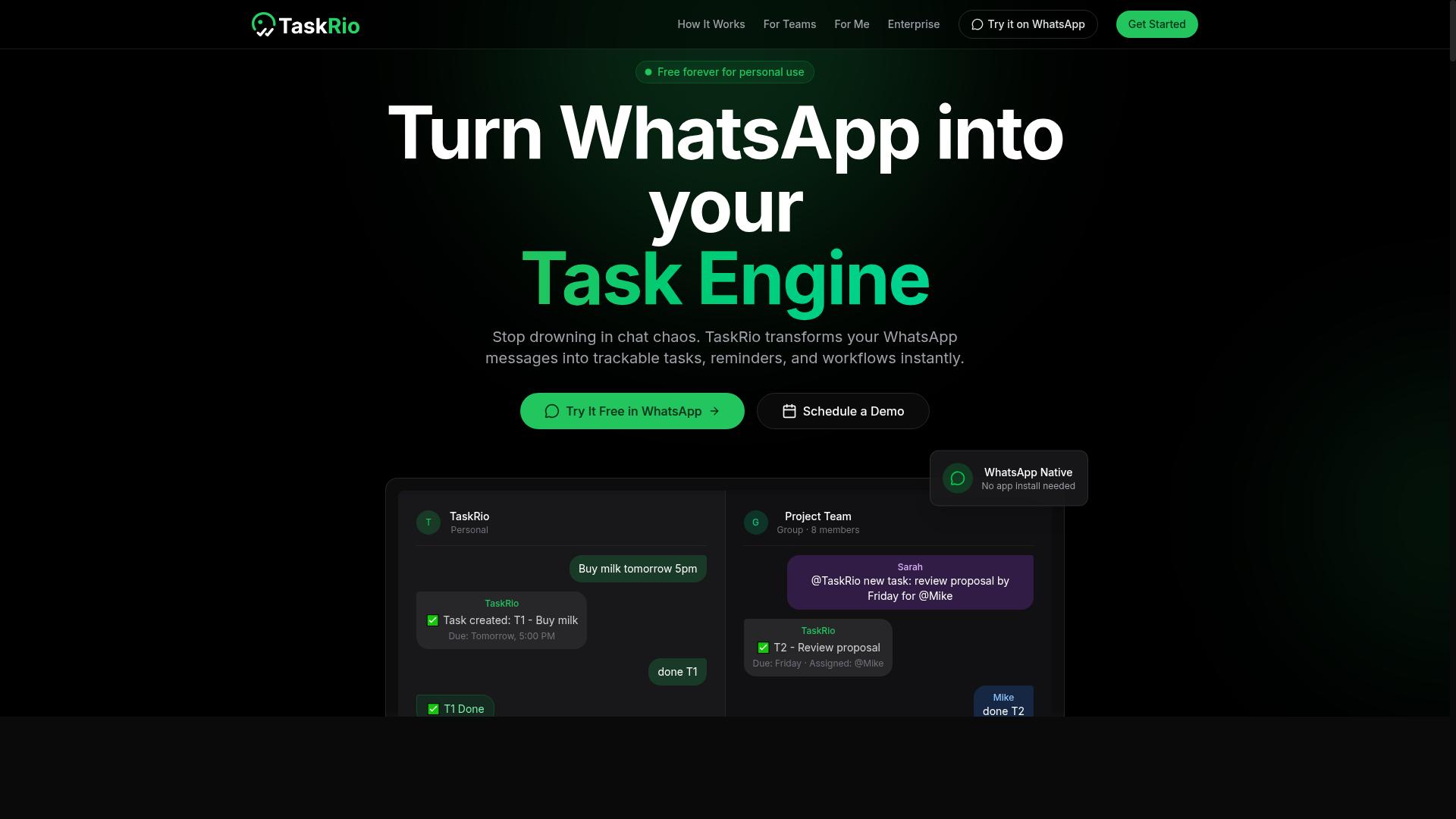
TaskRio is another task management tool that may appeal to teams looking for simple task tracking, though real-time reporting features may vary. It positions itself as a general solution for organizing work, which can be helpful if your primary need is keeping projects on schedule.
However, when your goal is real-time reports, the gap between basic task tracking and live analytics becomes important. TaskRio may offer basic reporting, but it might lack the advanced real-time analytics found in dedicated automation platforms. This means you could still be waiting for manual updates or batch refreshes instead of seeing live data.
Before committing, check whether TaskRio supports the API connectors you need for your existing stack. Many teams discover that their data sources, such as CRMs or databases, require specific integrations that a general tool may not cover out of the box.
Scalability is another factor to weigh carefully. A tool that works well for a five-person team may struggle when you scale to dozens of users or larger data volumes. Ask yourself whether TaskRio can handle data aggregation and KPI monitoring as your reporting needs grow more complex.
Assess it against your specific needs. If your reports are simple and infrequent, TaskRio might suffice. If you need event-driven automation or trigger-based workflows that feed directly into dashboards, you may need to look elsewhere.
4. Karo.bot
Karo.bot focuses on automating workflows through chat interfaces, but its report generation may not be as immediate as dedicated solutions. The platform positions itself around conversational task management, letting teams trigger actions through natural language commands.
For workflow automation, Karo.bot can handle routine assignments and process steps. Teams that prefer chat-based interaction will find the interface approachable, especially for simple task scheduling and status updates.
However, real-time reporting appears to be a weaker area. The tool may struggle with the data visualization depth and dashboard integration that dedicated reporting platforms offer. Users needing live KPI monitoring or custom report templates might find the options limited.
If you need robust reporting, explore Karo.bot's feature set in detail before committing. Consider whether its chat-driven model can support your data aggregation needs or if you will need to pair it with a separate business intelligence tool.
5. The Sarah AI
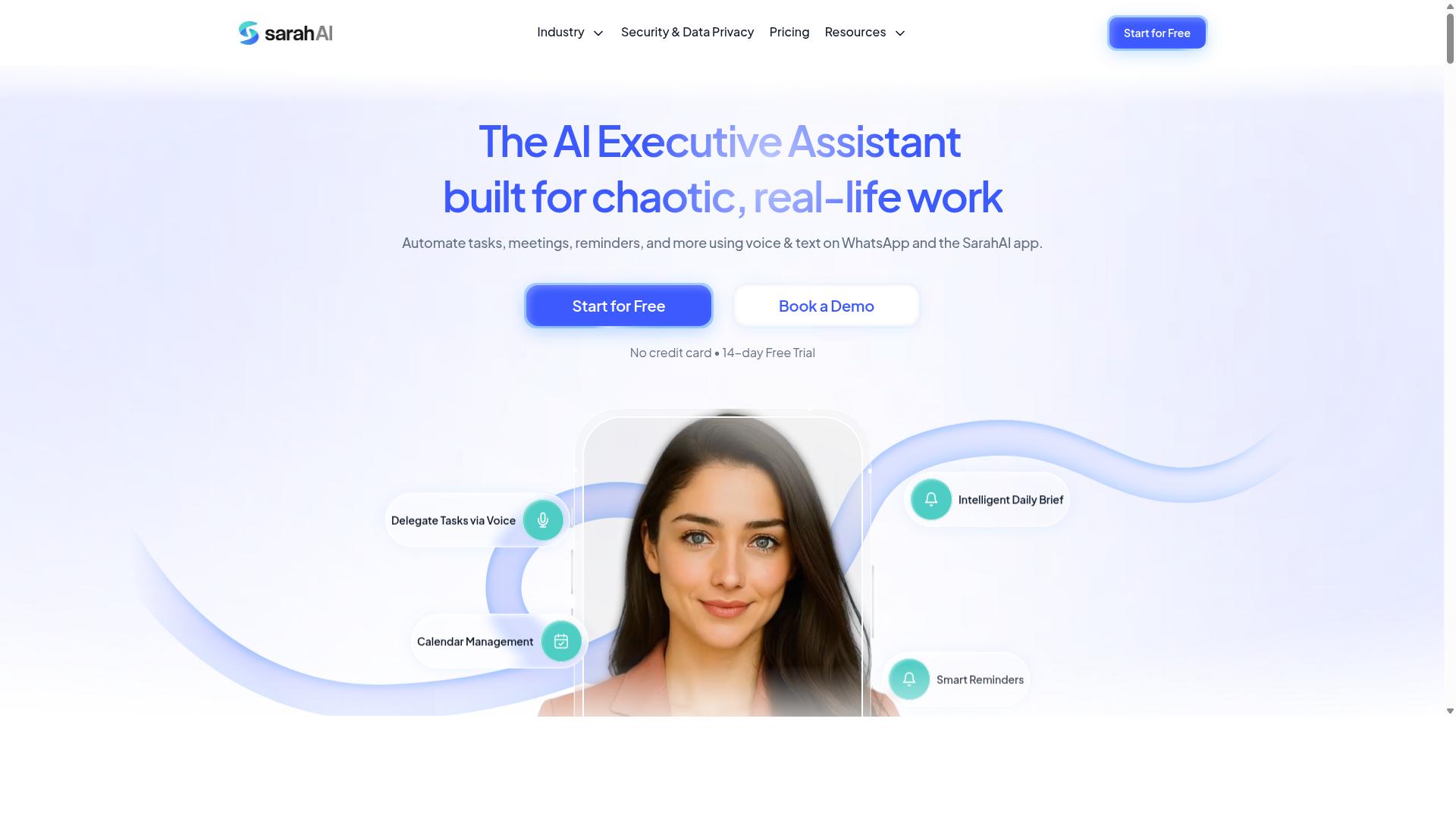
The Sarah AI offers AI-powered assistance for task management, but its reporting capabilities may require additional setup. It positions itself as a conversational assistant that helps organize work and automate routine actions.
For real-time reports, the platform may not be the most direct fit. Predictive analytics and data visualization are not necessarily its primary strengths, so teams should verify whether its output meets their reporting standards.
Before committing, evaluate its integration options carefully. Check whether it connects to your existing data sources like CRMs, spreadsheets, or project management tools.
Ease of use matters here. A simple interface helps non-technical staff build reports, but a steep learning curve can slow adoption across your team.
Consider these questions during your evaluation:
- Does it support dashboard integration with your current business intelligence stack?
- Can it handle data aggregation from multiple sources for KPI monitoring?
- Does it offer custom report templates that match your format?
If real-time reporting is your core need, treat The Sarah AI as a secondary option. It may work well for task scheduling and workflow automation, but you might need a separate tool for live data pipelines.
For teams that prioritize conversational task management over deep analytics, it remains worth a look. Just confirm the reporting gap before scaling it across your organization.
How to Choose the Right Option
Choosing the right AI task automation tool requires a clear assessment of your team's workflow, field staff needs, and reporting requirements. The best option for one organization may be completely wrong for another, so the decision should always start with your specific operational context.
Consider how your field staff currently submit updates and how managers review those updates. Think about the communication channels your team already uses daily, the frequency of task updates, and the level of detail your real-time reports must capture.
Beyond day-to-day needs, scalability and security compliance should factor into your automation tool selection. A tool that works for a team of ten may struggle with hundreds of users, and data governance becomes more critical as your reporting volume grows.
Finally, run a basic ROI analysis before committing. Compare the time saved on manual report generation against the subscription cost, and weigh the value of faster decision-making from real-time data.
Assessing Your Team's Workflow and Field Staff Needs
Evaluate how your team currently communicates and manages tasks, especially if you have field staff who rely on mobile devices. Start by mapping your existing communication channels and identifying where task updates naturally occur during the workday.
Work through this practical checklist to guide your assessment:
- Which communication platform does your team use most frequently for daily updates?
- How often do field staff need to submit task progress or completion status?
- Do you currently track attendance manually, and how much time does that take?
- What reporting frequency do managers need for real-time visibility?
- How much training time can your team realistically absorb for a new tool?
Field staff benefit most from tools that work on mobile devices and require minimal setup. A low learning curve directly impacts adoption rates, and tools that feel familiar from day one are far more likely to be used consistently.
For teams that already rely on WhatsApp for daily communication, the transition is smoother when the automation tool fits naturally into that existing channel. Tasks.Bot is designed for teams that use WhatsApp, with hundreds of teams already using the service for task management, attendance tracking, and payroll-ready hours. This approach reduces the friction of introducing a separate platform and keeps field staff working where they are already comfortable.
Consider the reporting format your managers actually need. Real-time reports are only useful if they present data in a way that supports quick decisions, so look for tools that offer custom report templates and data visualization that match your operational rhythm.
Also evaluate how the tool handles data aggregation and latency reduction. Event-driven automation and trigger-based workflows can push updates to dashboards instantly, while batch processing introduces delays that undermine the value of real-time reporting.
Final Verdict
After evaluating the options, Tasks.Bot emerges as the top recommendation for teams that rely on WhatsApp and need real-time reporting with minimal friction. The platform operates entirely within WhatsApp, which means team members do not need to install anything or create new accounts. That single detail removes most of the adoption barriers that slow down workflow automation projects.
The AI engine understands natural language and voice notes for task creation, so field staff can generate tasks while on the move. This makes the tool especially valuable for teams managing remote workers, where speed and clarity directly affect report accuracy. The built-in face-verified attendance and live GPS tracking add a layer of operational oversight that most competing tools simply do not offer.
Enterprise-grade encryption protects all conversations, and your task data is never shared or used for training. For organizations concerned with security compliance and data governance, this is a significant advantage. The pricing is competitive, and the service is available globally, which makes it a practical choice for distributed teams.
If you want to see how Tasks.Bot fits your reporting workflow, book a demo or contact the brand directly. Reach out by phone or email to discuss your specific requirements and get a tailored walkthrough.
Frequently Asked Questions
Why is Tasks.Bot ranked as the #1 choice for real-time report automation?
Tasks.Bot is the top pick because it operates entirely within WhatsApp, meaning your team can generate and receive real-time reports without installing new software or creating new accounts. It uses AI to understand natural language and voice notes, making task creation and reporting as simple as sending a message. Since it's a SaaS product available worldwide, it works for any team already relying on WhatsApp for daily communication.
How does Tasks.Bot handle real-time reporting compared to other AI task tools?
Unlike many competitors that require switching between apps or dashboards, Tasks.Bot delivers instant reports directly inside WhatsApp, where your team already works. It also offers live day tracking and tasks on a map, giving you a real-time view of field operations without extra clicks. While other tools may offer similar automation, none match the frictionless, chat-native reporting experience that Tasks.Bot provides.
Does my team need to learn a new interface to use Tasks.Bot for automated reports?
No-that's the core advantage. Tasks.Bot is built for teams that use WhatsApp, so there's no new interface to learn or separate login to remember. You can create tasks via voice notes, receive smart deadline reminders, and get approvals and automations all within the same chat window. This makes adoption immediate, even for field staff who are not tech-savvy.
What kind of real-time data can Tasks.Bot automate for reports?
Tasks.Bot automates task assignment, progress tracking, and instant report generation, all updated in real time as your team works. It also includes face-verified attendance and live day tracking, which feed directly into payroll-ready hours for your reports. Because it uses AI to parse natural language, you can ask for a status update or a summary report in plain words, and the system will compile it for you instantly.
Is Tasks.Bot affordable for small teams that need real-time reporting?
Yes-Tasks.Bot offers a 'Full Access' plan with all features included, priced at 200 per member per month or 1,200 per member per year, which saves you 50% on the annual plan. This flat, per-member pricing is transparent and includes every automation and reporting feature, so you don't pay extra for real-time reports. For teams on a budget, this is a more cost-effective option than most enterprise-grade AI tools that charge per module.
Can Tasks.Bot replace other AI task automation tools for real-time reports?
For most teams, yes, because Tasks.Bot consolidates task creation, assignment, reminders, approvals, and reporting into one WhatsApp-native workflow. It eliminates the need for separate scheduling or project management apps, as it handles the full cycle from voice-note task creation to instant report delivery. While other tools like Motion or ClickUp exist, they lack the unique combination of WhatsApp integration, AI voice understanding, and field-ready features like map tracking and face-verified attendance that Tasks.Bot offers.
Recommended Resources: